CPUs
How to Update CPU Drivers in Windows 11 and Windows 10
Find the right Windows, chipset, graphics, or firmware update for your PC. Use official sources, understand CPU-driver myths, and check the result afterward.
GPU guides, comparisons, and expert buying advice.
02Processor guides, cooling help, and performance picks.
03Compatibility explainers, setup guides, and reviews.
04Memory standards, configurations, and upgrade guidance.
05Practical gaming guides and troubleshooting.
06Clear answers for PC building and better gaming.
Find the right Windows, chipset, graphics, or firmware update for your PC. Use official sources, understand CPU-driver myths, and check the result afterward.
Diagnose high CPU temperature with model-specific limits, workload checks, airflow, fan operation, cooler mounting, and clear reasons to consider an upgrade.
Choose a supported way to control CPU fan speed in Windows. Identify the right header, set a fan curve, and verify cooling, startup behavior, and limits.
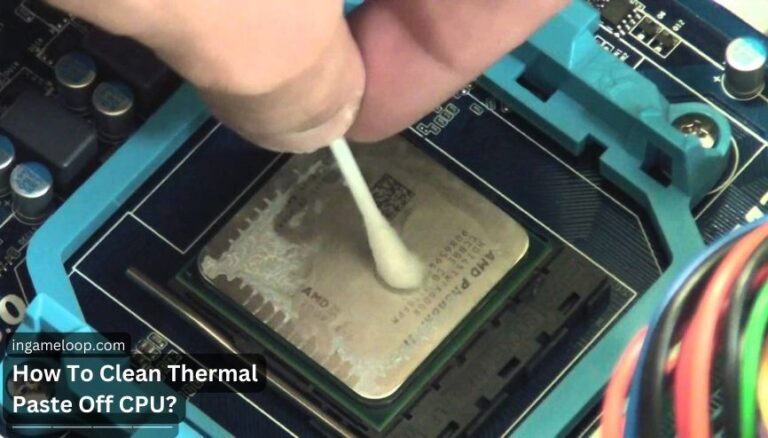
Remove old thermal paste from a CPU and cooler with suitable supplies, careful cooler removal, controlled wiping, complete drying, and correct reassembly.
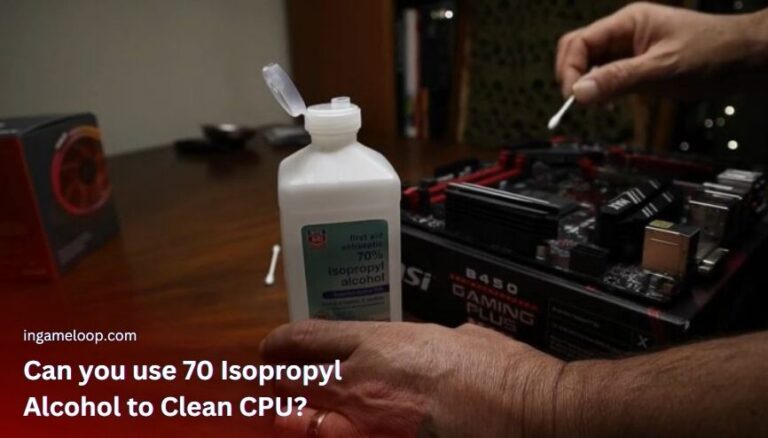
Learn when 70% isopropyl alcohol can clean a CPU, why 90% or higher is preferred, and how to remove thermal paste while keeping liquid away from the socket.
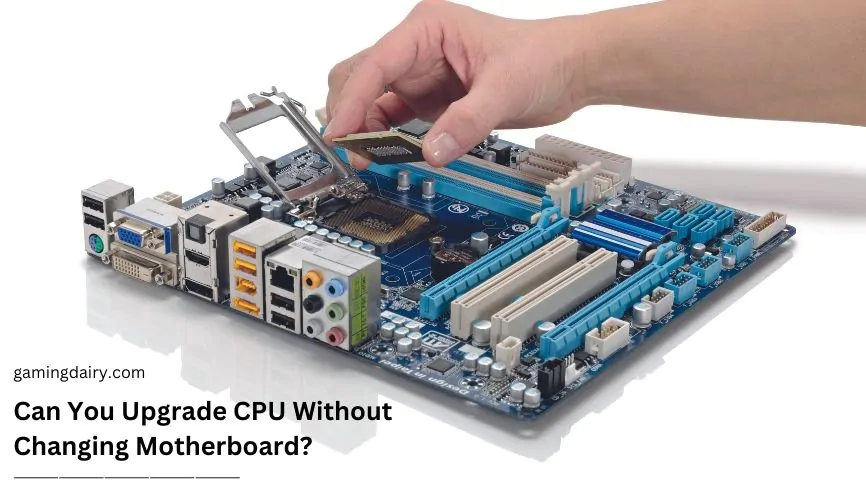
Can you upgrade CPU without changing motherboard? Yes, you can, but you have to investigate the processor and motherboard for compatibility.
Deep answers to the questions gamers and PC builders ask most.
Specs translated into the performance and compatibility decisions that actually matter.
Step-by-step help, practical comparisons, and recommendations without the noise.
From a first PC build to a high-end upgrade, our guides meet you where you are.