Motherboards
Motherboard Not Detecting GPU: Let’s Fix It! [2026]
If your motherboard not detecting GPU, you must check its BIOS settings and compatibility and uninstall faulty drivers as per your needs.
Browse motherboards testing & buying guides from InGameLoop, page 2. Find hardware advice, comparisons, and practical guides.
77 guides · Page 2 of 7If your motherboard not detecting GPU, you must check its BIOS settings and compatibility and uninstall faulty drivers as per your needs.
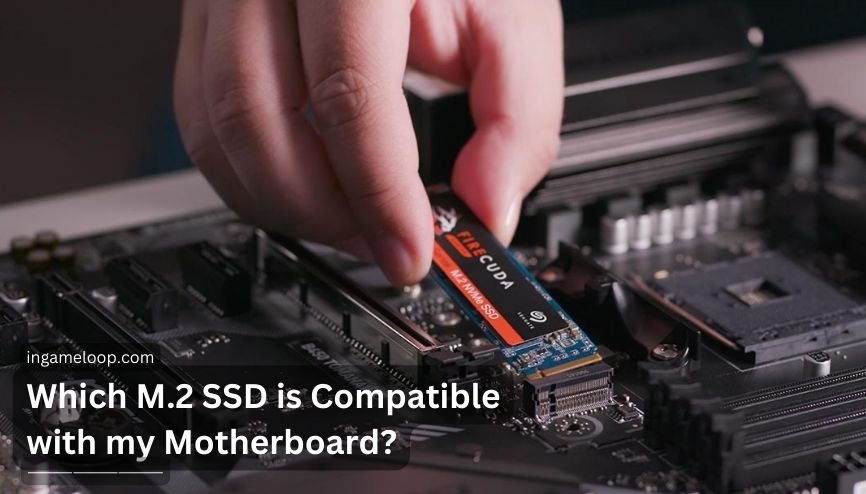
Which M 2 SSD is compatible with my motherboard? Read this post to check M.2 SSD’s compatibility with the motherboard, and read more.
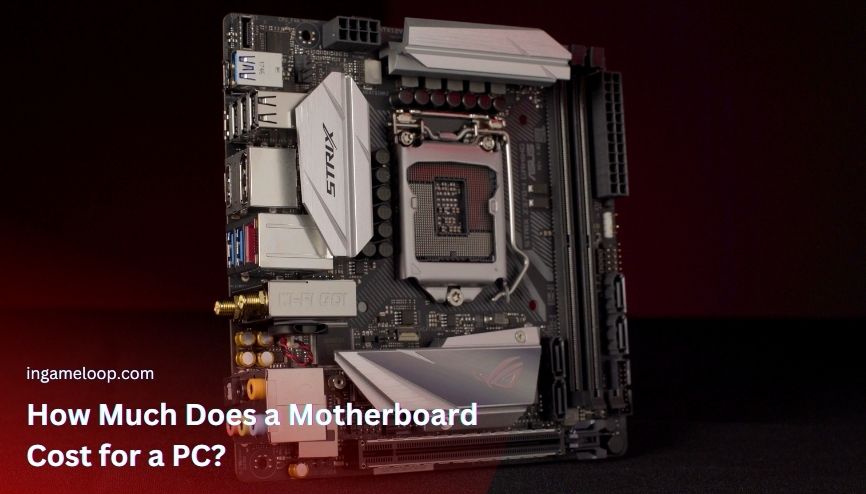
Prices for motherboards change and are affected by various factors. See the category list below if you know the motherboard you need.
Which function a motherboard chipset perform? A chipset is a motherboard's brain that defines the PC's overall overclocking and performance.
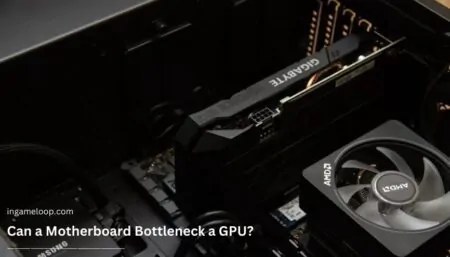
Can a Motherboard Bottleneck a GPU? Yes, a motherboard can bottleneck a GPU suppressing its true performance and overclocking capabilities.
ATX (Advanced Technology eXtended) was introduced by Intel in 1995 to replace the aging AT form factor from the 1980s.
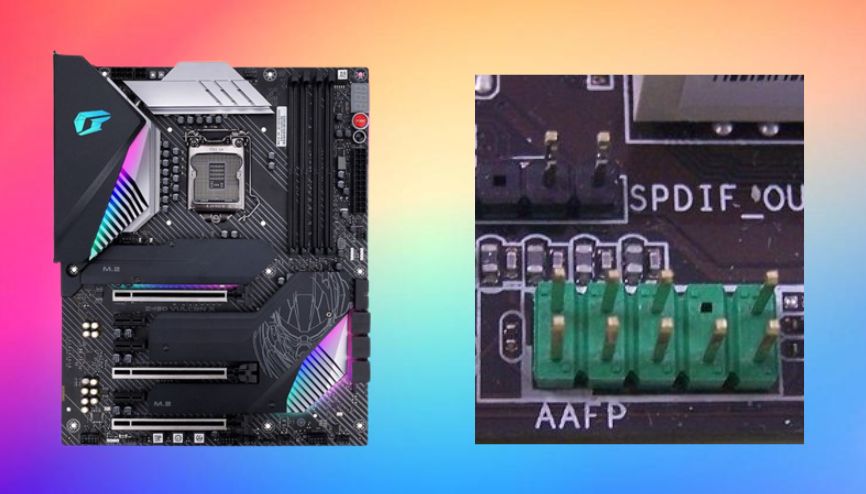
If you keep trying you can always achieve anything you desire. So today we will discuss what is AAFP on the motherboard and all you need to know.
Can the motherboard affect FPS? It doesn’t directly affect fps, but the performance of other components, like CPU, GPU, etc., that can affect fps.
How to check if the motherboard is faulty? You must start by analyzing the physical condition of the board and then do some software testing.
How to enable motherboard HDMI? Check whether your CPU has integrated graphics or not. Then, enable iGPU using BIOS and update the drivers.
What is the form factor of a motherboard? ATX is the most common form factor, which evolved to mini-ATX, macro ATX, nano-ATX, and further.
How many GPU can a motherboard support? The number of GPUs a motherboard can support varies between two to twelve. Read this post for more.