TPM has become a necessity for motherboards in 2026 due to Windows 11 TPM requirement. Updating ASUS TPM Module is a tough job because they don’t provide instructions. So that it would be better to create a detailed guide using which you can update Asus TPM-M R2.0 14-1 Pin TPM Module to the latest 5.62.3126.0 firmware. Why you must Update as soon as possible? The old firmware version 5.61.2785.0 has a vulnerability that causes a security lapse.
Compared to ASUS, A company named Supermicro sells more security-focused Infineon-based TPMs. As ASUS isn’t concerned much about the security of their TPMs, their competitor Supermicro has released a security update for their Infineon TPM modules. Fortunately, The firmware update released by Supermicro seems to be working for Asus TPM too.
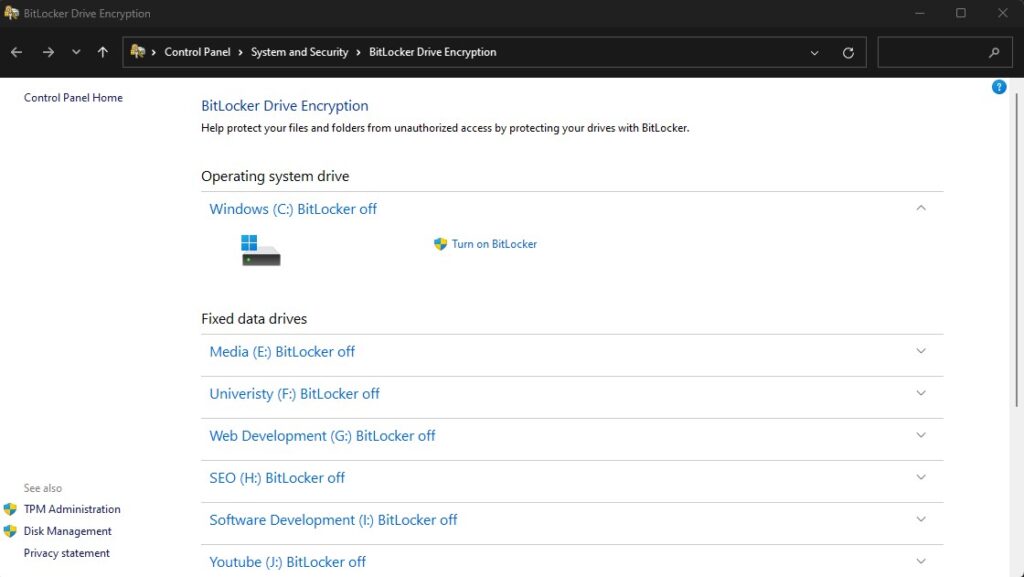
Make sure to Disable Bitlocker as you will lose data if its enabled. Follow the following procedure to update ASUS TPM-M R2.0.
Steps to Update Motherboard’s ASUS TPM-M R2.0
1. Completely Disable Bitlocker
Make sure to disable Bitlocket because it will cause loss of data.
2.Disable Windows Hello
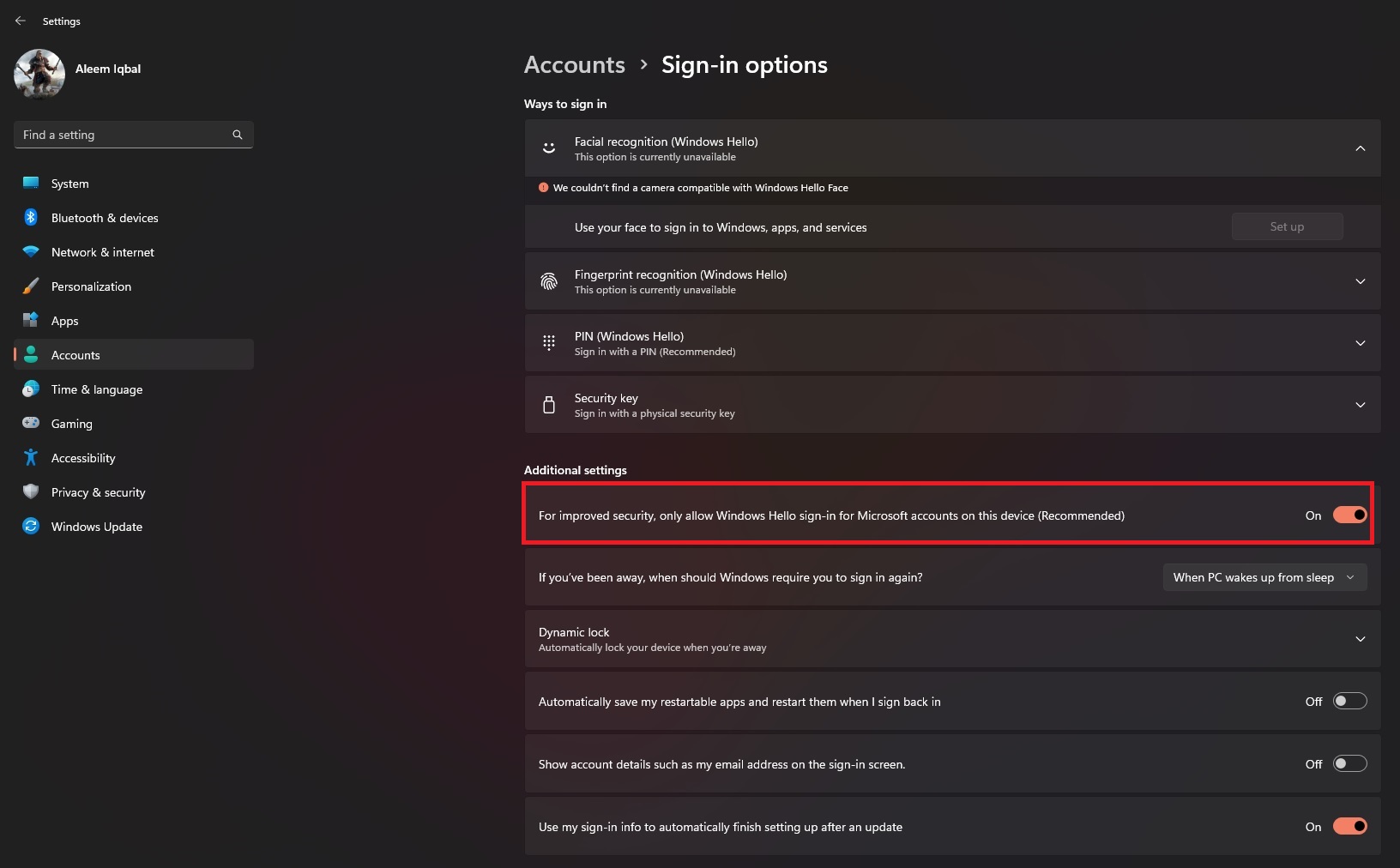
Windows Hello also causes conflict while updating TPM firmware.
Goto Settings (Windows + I) and then click on Accounts
Then uncheck the option under addi
3. Download Fireware Updater
Download Super Micro Firmware Updater
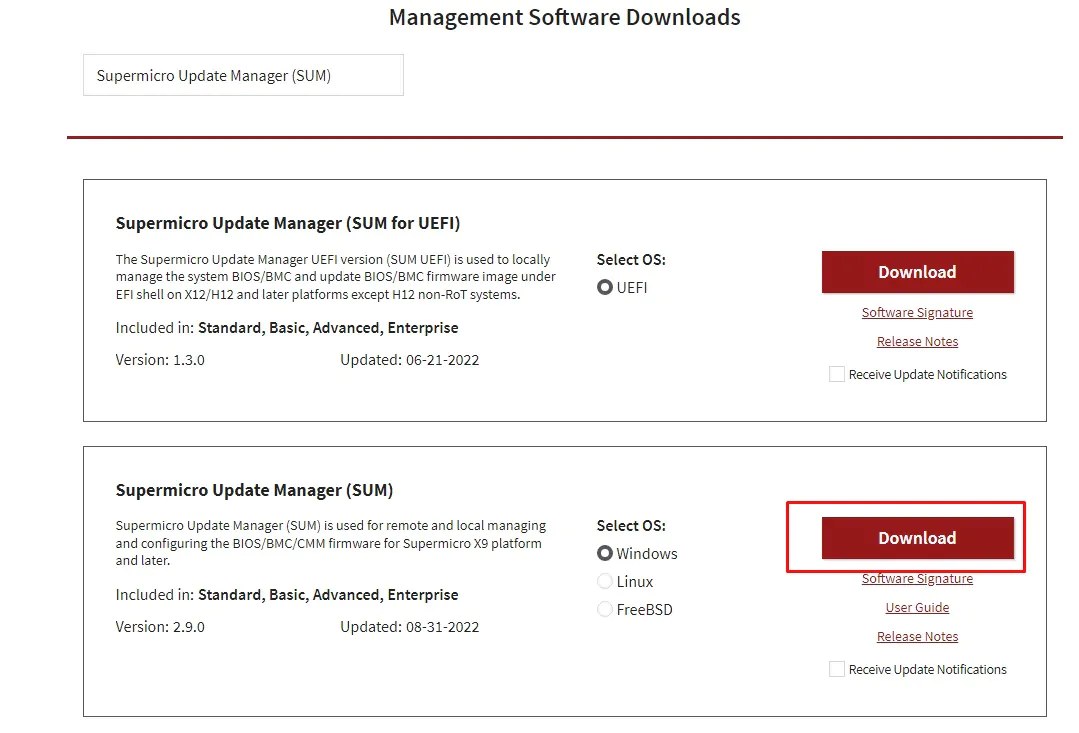
4. Run a Scan with Supermicro Update Manager
The SUM will take a few minutes to update the firmware of your TPM.