Motherboards
How to Check if Motherboard is Faulty? Explained
How to check if the motherboard is faulty? You must start by analyzing the physical condition of the board and then do some software testing.
Browse learn all about the motherboards from InGameLoop, page 2. Find hardware advice, comparisons, and practical guides.
43 guides · Page 2 of 4How to check if the motherboard is faulty? You must start by analyzing the physical condition of the board and then do some software testing.
How to enable motherboard HDMI? Check whether your CPU has integrated graphics or not. Then, enable iGPU using BIOS and update the drivers.
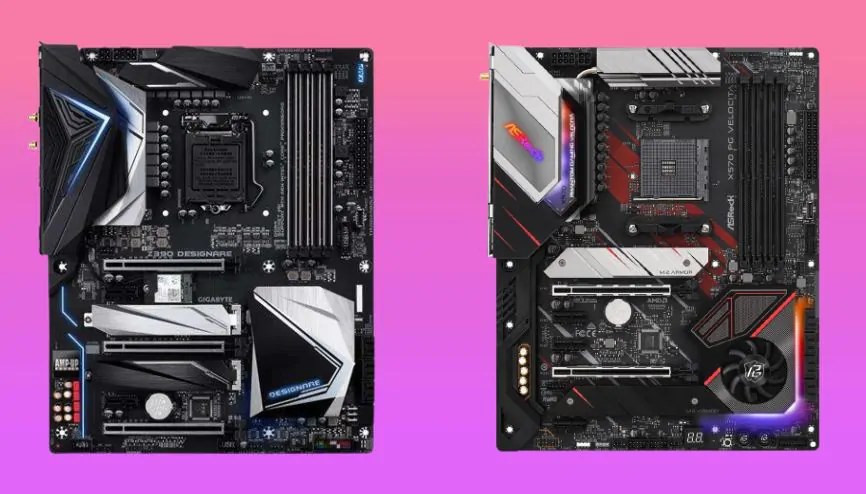
What is the form factor of a motherboard? ATX is the most common form factor, which evolved to mini-ATX, macro ATX, nano-ATX, and further.
How many GPU can a motherboard support? The number of GPUs a motherboard can support varies between two to twelve. Read this post for more.
How to reset motherboard? You can reset with three different methods, reset by the BIOS menu, remove the CMOS battery, or manually clear CMOS.
An average motherboard lasts from 15-20 years. It is the most difficult part to replace. Here are some tips to increase the lifetime of board
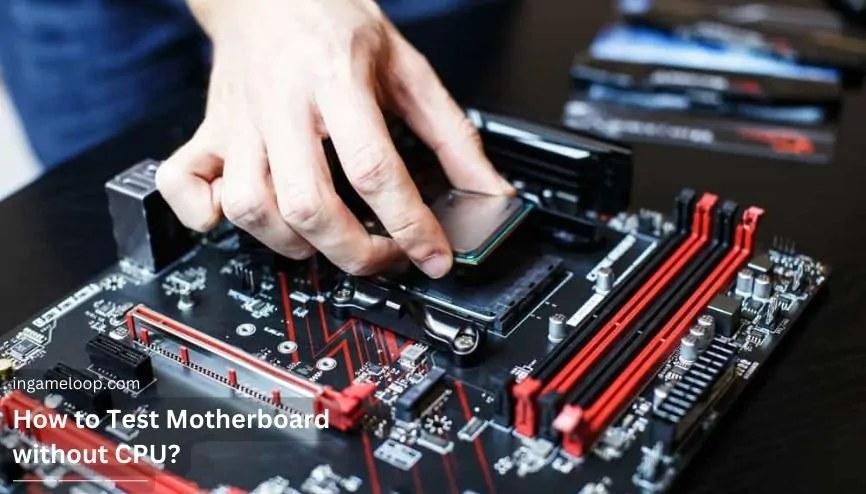
How to test motherboard without CPU? You can start by performing POST testing and then go for beep testing, multimedia testing, and more.
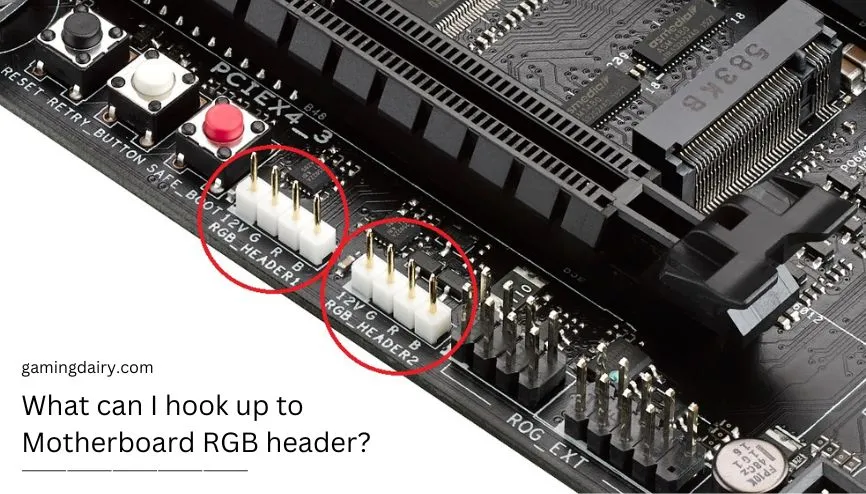
What can I hook up to Motherboard RGB header? You can install RGB fans using the RGB header on the board. Read this post to do so in no time.
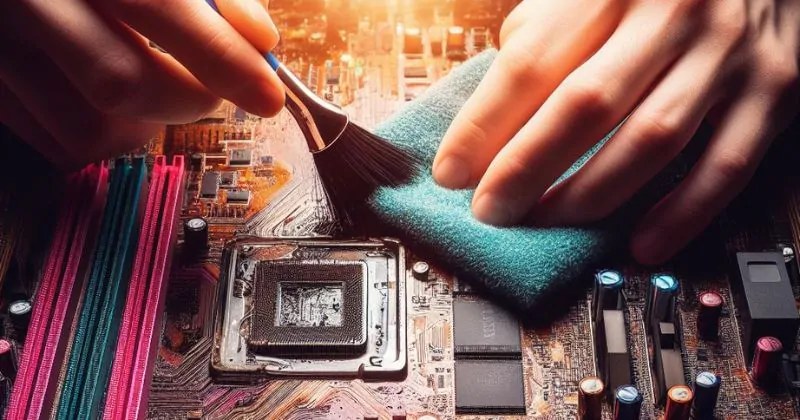
The life of the motherboard is dependent upon its quality of maintenance. Some tips and tricks for cleaning the motherboard were shared in this post
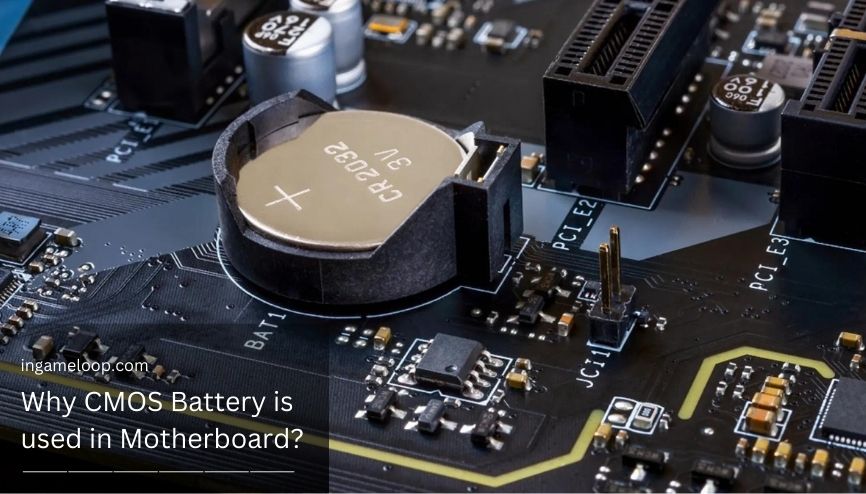
Why CMOS battery is used in motherboard? The CMOS battery powers and keep running the CMOS chip on the board to control the real-time clock.
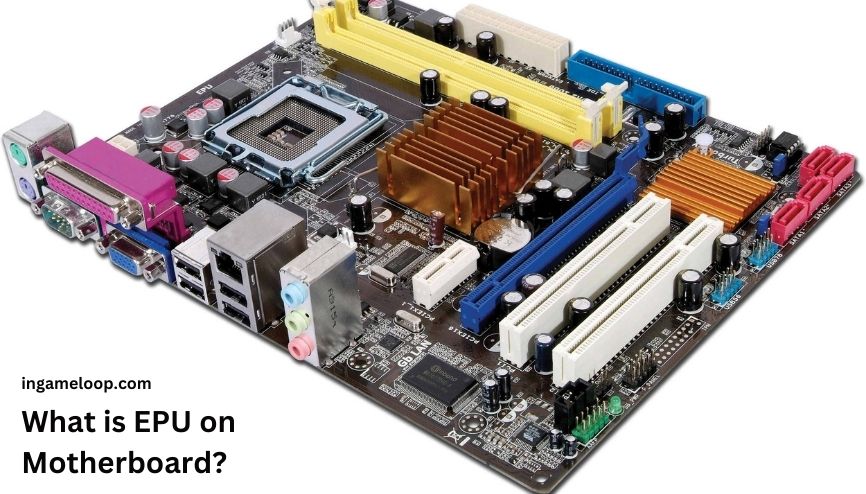
What is EPU on motherboard? Read this post to learn every crucial fact about EPU on the motherboard, its importance, and more about the topic.
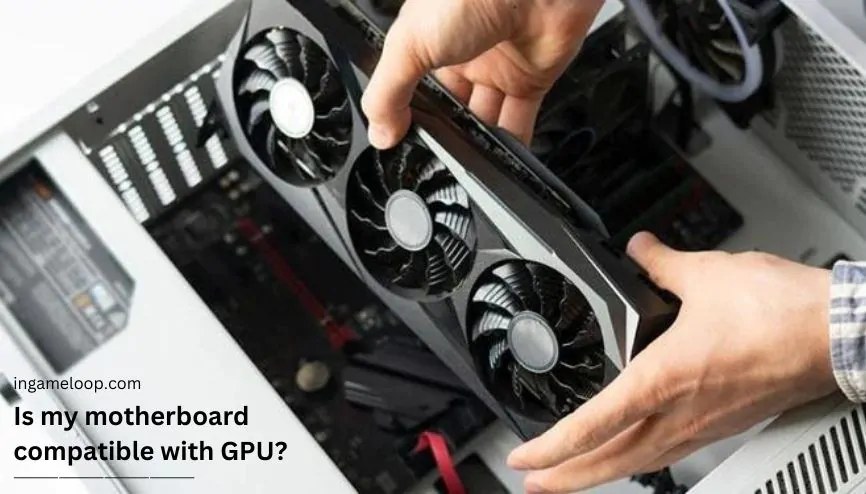
Is my motherboard compatible with GPU? To check this, you have to match the PCIe slot’s connectivity, physical room, and power supply unit.