Graphics Cards
How To Upgrade Graphics Card On Laptop? [2026]
How to upgrade graphics card on laptop? You can do so by upgrading the laptop, using an eGPU, or actually installing a new graphics unit.
Browse learn archives from InGameLoop, page 2. Find hardware advice, comparisons, and practical guides.
36 guides · Page 2 of 3How to upgrade graphics card on laptop? You can do so by upgrading the laptop, using an eGPU, or actually installing a new graphics unit.
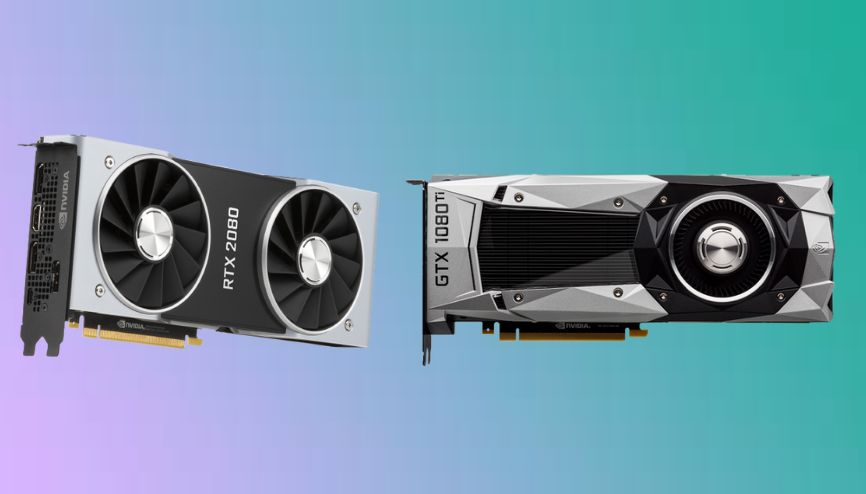
Nvidia's RTX and GTX series of GPUs are both designed for graphically intensive applications. In this post, we discuss the difference between RTX and GTX.
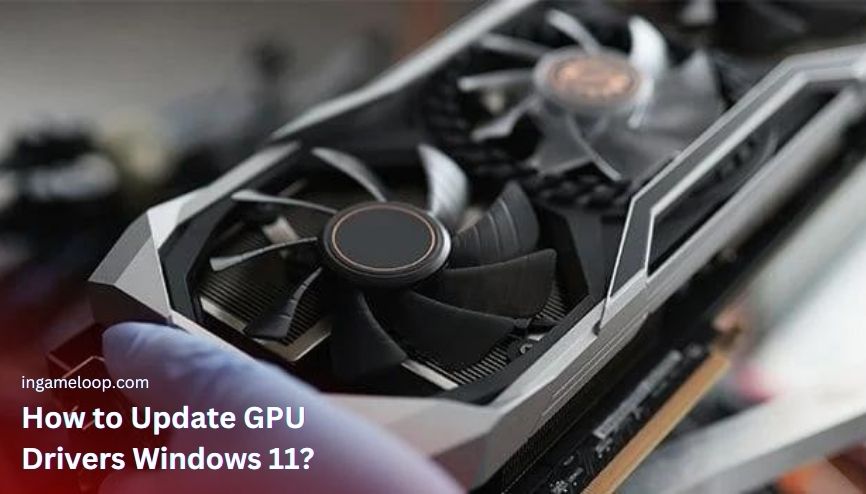
Learn how to update your GPU driver on Windows 11 to enhance performance and compatibility with the latest games and applications.
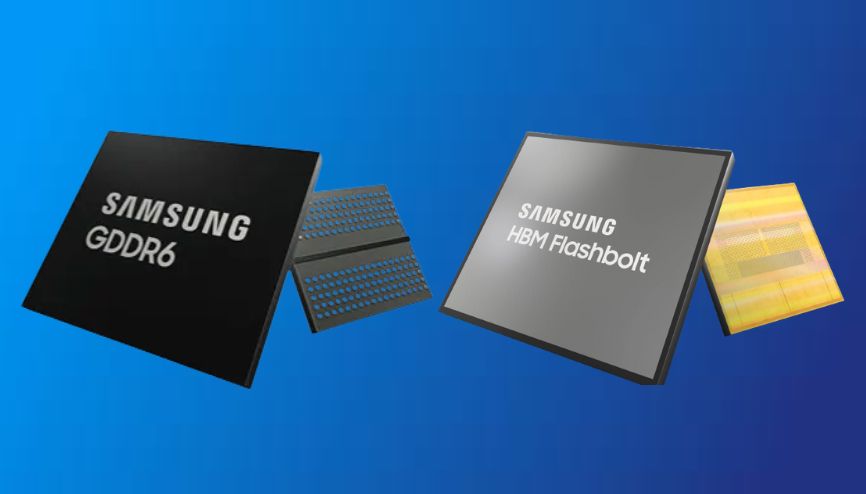
VRAM is important to consider when you buy a new GPU for gaming. We discussed all the points that help you know how much VRAM you need.
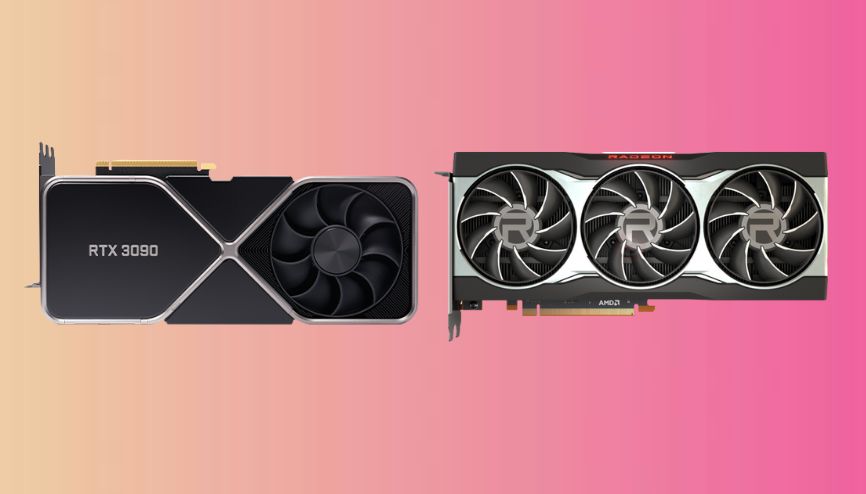
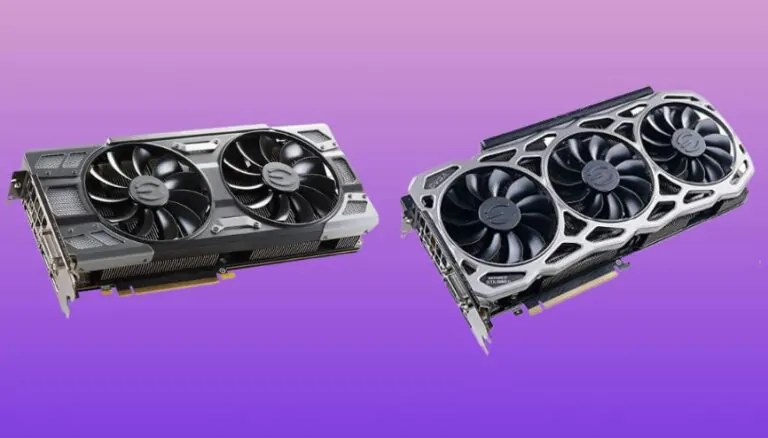
Finding the best graphics card brands in 2026 for your PC or laptop is undoubtedly challenging. Perhaps you are also considering how many businesses produce graphics cards.
The dedicated graphics card is best for heavy games and graphical work and integrated for basic computing. For more details, visit this post.
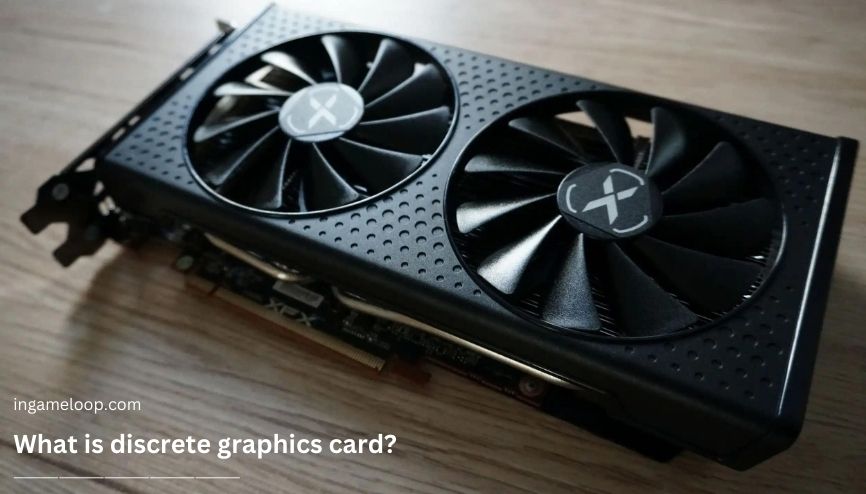
What is discrete graphics card? It’s an individual graphics card with its own memory, body, and cooling system, unlike integrated graphics.
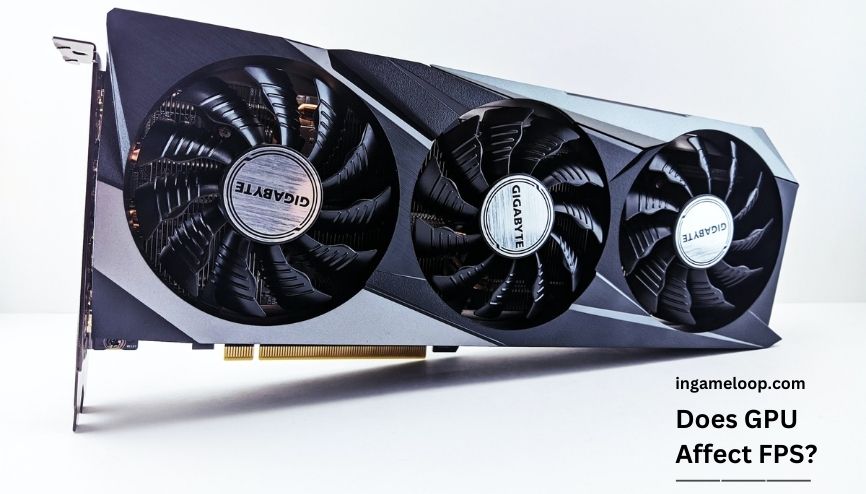
Does GPU affect FPS? Yes, it does affect the FPS since it directly supervises the overall graphics rendering and graphics quality so the fps.
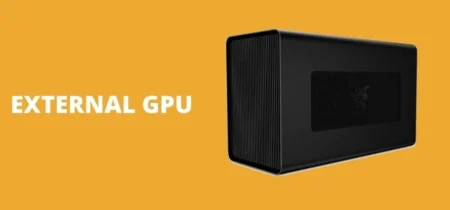
Is eGPU worth it? The short answer is yes. But still, there are several aspects of eGPU as well that you must know through the following post.
The LHR GPUs come with a low hash rate; there is only a difference between the LHR and non-LHR GPUs. For more about both, visit this post.
How to underclock a GPU? You can use two tested methods to underclock GPU using MSI Afterburner software and EVGA Precision X16 application.
What does a GPU do for gaming? A GPU, or graphics card, executes graphics computations to showcase images, videos, and visuals on the monitor.